Tesla FSD v14 Review: Start Self‑Driving, Mad Max Mode & Arrival Parking
Introduction
Hello everyone. This is Suzuki from EcoDrive.
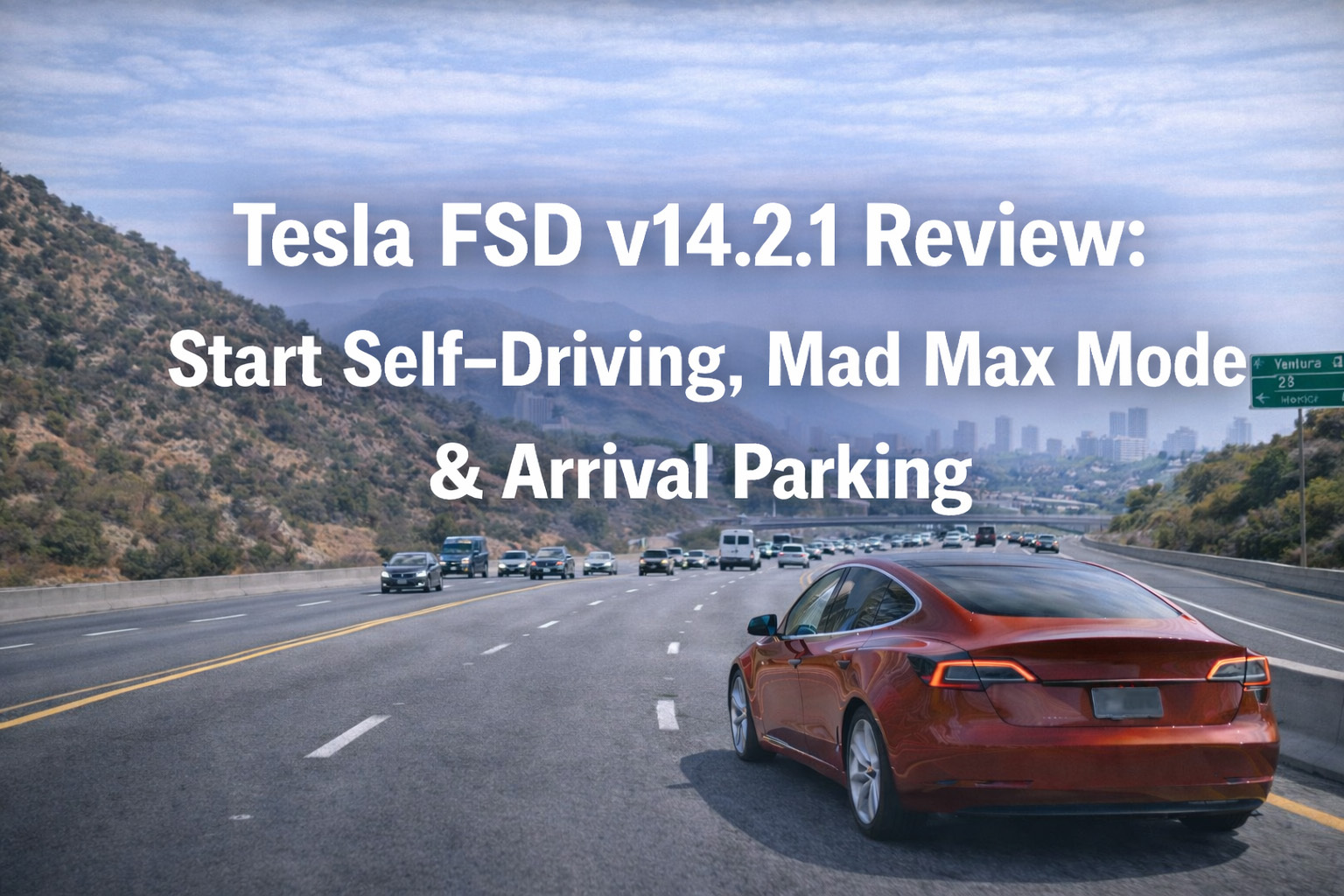
Today’s topic is Tesla’s latest Full Self-Driving software, Version 14.2.1.
I’ll share my impressions from actually using it, covering what has improved, as well as some points that caught my attention.
【Watch the Video Version Here】
Self-Driving Activation Is Now More Seamless
The most impressive aspect of Version 14.2.1 was that activating self-driving has become much more seamless.
To start self-driving, you simply press the “Start Self-Driving” button. That’s all it takes.
What’s even more noteworthy is that you can start from any situation.
You can now initiate self-driving from various situations, whether there’s an obstacle in front of you or not.
■ No Need to Press the Brake Hard Anymore
In previous versions, you needed to press the brake firmly to start self-driving.
While it was a small thing, it was an action that added up as a burden in daily use.
However, with Version 14.2.1, that firm brake press is no longer required.
Essentially, you just press “Start” to transition to self-driving, making the activation process feel significantly more seamless.
■ Automatic Response Even with Obstacles
Even when there’s an obstacle in front, I confirmed that the car will automatically reverse.
The vehicle backs up on its own, avoids the obstacle ahead, and then proceeds onto the road—all autonomously from situation assessment to action.
The fact that the car can judge the situation and take appropriate action without the human needing to make detailed inputs feels like a major evolution.
This behavior truly lives up to the name “self-driving.”
A Surprising Feature: It Drives Even Without Navigation
What surprised me even more was that if you press Start Self-Driving without setting a navigation destination, the car will still start driving.
You might wonder, “Where does it go if I press Start Self-Driving without setting a destination?”
So I decided to try it out.
■ It Just Keeps Circling Around the Neighborhood
The result was that it kept circling around the neighborhood.
Since no destination is set, it gives you this feeling of “I wonder where it’s taking me” as it drives around the area.
There’s no specific destination—it just continues driving safely.
If you set a navigation destination while it’s circling, it will then head toward that destination.
When I actually experienced this, it had a unique and curious feeling to it.
For example, when you get in the car and want to take your time thinking about where to go, or when you want to start driving but haven’t decided on a destination yet—depending on how you use it, this could be convenient in certain situations.
Smooth Driving Carries Over from Version 13
Moving on to the driving experience—it’s truly smooth.
Version 13 was already impressively smooth, and Version 14 maintains that same smoothness, with the overall driving behavior feeling consistently fluid throughout.
■ I Didn’t Feel a Major Difference from Version 13
To be honest, I personally didn’t notice any major differences that I could definitively say “this has clearly changed” compared to Version 13.
I was also paying attention to the braking behavior, but I didn’t observe any unnatural movements like sudden braking or sudden acceleration. My impression is that it’s just as stable and smooth as Version 13.
Looking at it another way, this means that Version 13 was already quite refined.
It feels like they took something that was already highly polished and refined it even further.
■ Lane Changes on the Highway Are Also Excellent
On the highway, there are many opportunities for lane changes, and these were executed with excellent timing.
However, since Version 13 was already quite good in this regard, it didn’t feel dramatically different to me.
In some situations, I felt the lane change timing was actually better than what a human driver would do.
It gives the impression of immediately considering the distance and speed difference with surrounding vehicles and changing lanes at the optimal timing.
A Point of Concern: Merging from Side Streets onto Main Roads
One thing that caught my attention was the behavior when exiting from a side street onto a main road.
The judgment when making right or left turns to merge is quite cautious overall.
While you could say this increases safety, in some cases it was cautious enough that you might get honked at by cars behind you.
Because of this, there were times when I felt, “It might be faster if a human handled this situation.”
■ A Safety-First Design Philosophy
That said, this is also a reflection of Tesla prioritizing safety above all.
To thoroughly minimize accident risk, they prioritize cautious decisions. This is an understandable and reasonable design philosophy.
On the other hand, in real traffic situations, matching the flow of surrounding traffic is also important.
I felt that with some adjustment to merge a bit more assertively depending on the situation, it would become even more user-friendly. I’m looking forward to improvements in future updates.
New Feature: Hurry Mode and Mad Max Mode
One of the features added in Version 14 is Hurry Mode and Mad Max Mode.
As you might imagine from the names, these are modes related to driving assertiveness (how much of a hurry you’re in).
Hurry Mode is the mode you select “when you’re in a hurry,” and Mad Max Mode is the mode you select “when you’re in even more of a hurry.”
Put simply, that’s the difference.
■ I Didn’t Feel Much Difference on Regular Roads
However, while driving on regular roads, I couldn’t really feel a significant difference between Hurry Mode and Mad Max Mode.
On the other hand, on highways, Mad Max Mode might perform lane changes and other maneuvers more aggressively.
These modes are useful when you’re pressed for time or want to travel more efficiently.
However, the assertiveness stays within safe limits—it doesn’t engage in reckless driving.
Parking Instructions at Your Destination
Another notable point is that you can now give instructions for how to park at your destination.
You can now choose whether to stop on the street or pull into a regular parking lot.
■ Smooth Parking Operation
I tried both options myself, and it parked quite smoothly.
For parking in a lot, I thought it would reverse in, but my impression was that it smoothly pulled in going forward.
Both patterns were smooth, and in terms of accuracy, there were times when it felt more efficient than human parking.
This is an extremely helpful feature, especially for those who aren’t confident at parking.
After arriving at your destination, you can let the car handle the parking. That kind of experience really reinforces the impression of a car from the future.
Overall Evaluation of Version 14.2.1
Having looked at the features of Version 14.2.1, my overall evaluation is that it has definitely evolved.
The seamless activation and the addition of new driving modes are particularly significant points.
■ Positive Points
First, as a positive point, the activation of self-driving has become dramatically easier.
Being able to start with just one button from any situation is extremely convenient for daily use.
The feature that automatically reverses to avoid obstacles is also excellent.
It makes maneuvering in tight spaces, like exiting a parking lot, much easier.
The smoothness of driving continues to maintain the high level from Version 13, and the absence of sudden braking or acceleration provides peace of mind in terms of ride comfort.
■ Points I Hope to See Improved
On the other hand, there may be room for improvement regarding the overly cautious behavior when merging from side streets onto main roads.
While I understand that safety comes first, being so cautious that it impedes traffic flow could actually create dangerous situations.
I’m looking forward to seeing this balance adjusted in future updates.
The Future of Tesla’s Self-Driving
Tesla’s self-driving technology is steadily evolving with each version.
Version 13 marked a major leap forward, and Version 14 has further improved usability.
■ The Road to Full Autonomous Driving
It hasn’t yet reached the level of complete autonomous driving where humans don’t need to intervene at all, but it’s certainly making steady progress toward that goal.
All the features added in this update enhance user convenience.
It’s clear that Tesla continues to make improvements while listening to user feedback.
■ Improved Ease of Use in Daily Life
The seamless activation, in particular, makes a big difference in daily use.
By reducing a little effort with each drive, it lowers the psychological barrier to using self-driving and makes it easier to utilize in more situations.
The feature that drives even without navigation set may seem strange at first, but after actually using it, I found that there are surprisingly convenient situations for it.
Conclusion
Today I covered Tesla’s latest Full Self-Driving software, Version 14.2.1.
The main points include: self-driving can now be activated with just one button, it automatically avoids obstacles, it can start driving even without navigation, new driving modes called Hurry Mode and Mad Max Mode have been added, and you can now give parking instructions.
The smoothness of driving remains at the same high level as Version 13, and lane changes on highways are executed with excellent timing.
On the other hand, the overly cautious behavior when merging from side streets onto main roads is something I hope to see improved in the future.
With Tesla’s self-driving, the more you use it, the more you’ll appreciate its convenience.
Want to Experience Self-Driving?
We offer rental cars that let you experience Tesla’s FSD.
Please check the details at the link below.
Our Services
We offer comprehensive automotive solutions—buy, sell, rent, and repair in one place.

Car Sales
Browse our lineup of quality used cars with transparent pricing and up to a two-year warranty on select models.
View Inventory
Auto Repair
Get expert service from our certified Toyota Master Mechanic. We primarily service Toyota vehicles.
Schedule Service
Trade-in / Sell
We pay top dollar for your vehicle—especially hybrids. Count on fair, transparent appraisals.
Get Estimate
Car Rentals
Choose between fuel-saving hybrid rentals and a Tesla with Full Self-Driving Capability—both at competitive rates.
Reserve NowYou May Also Like